Platform overview
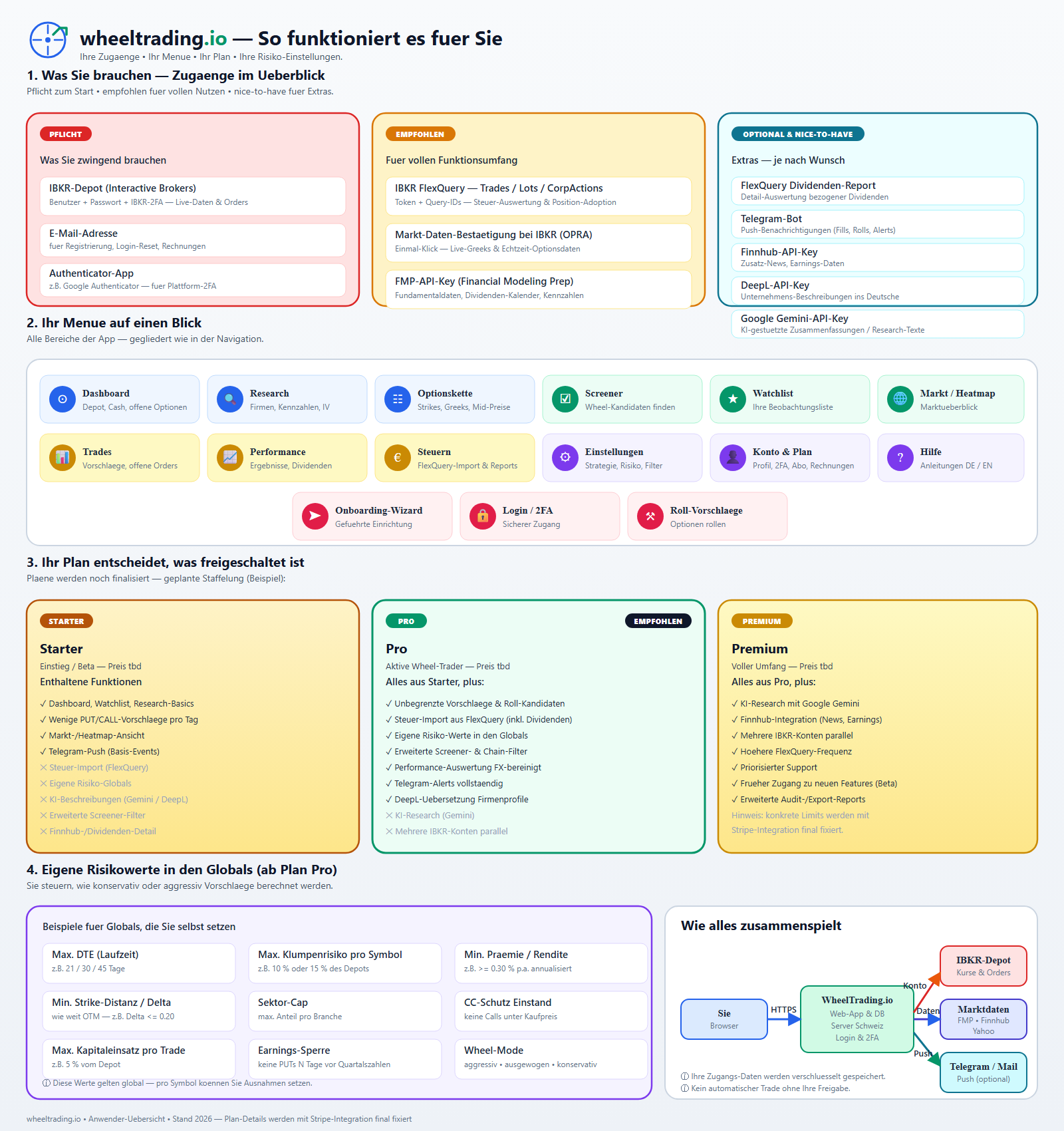
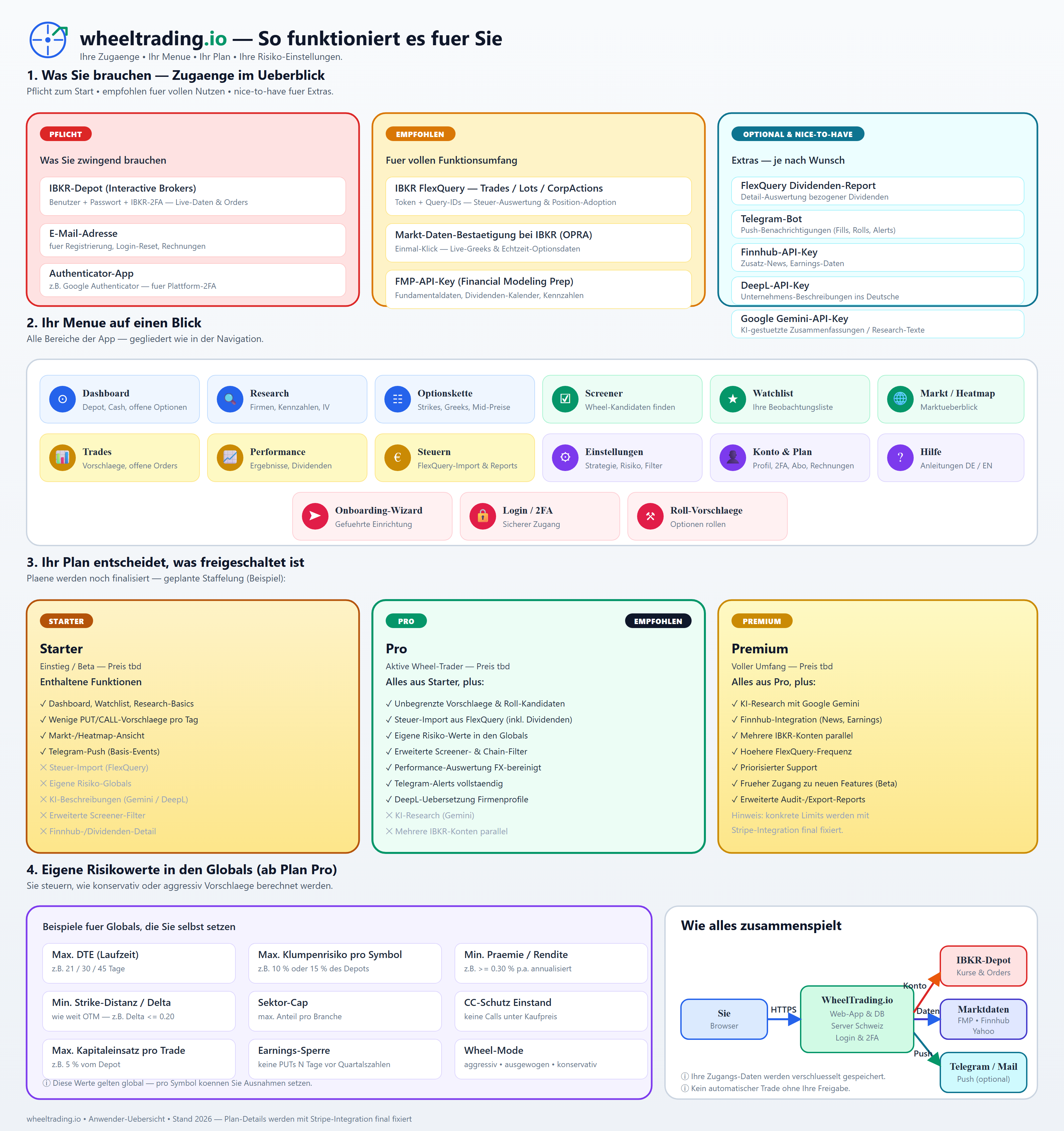
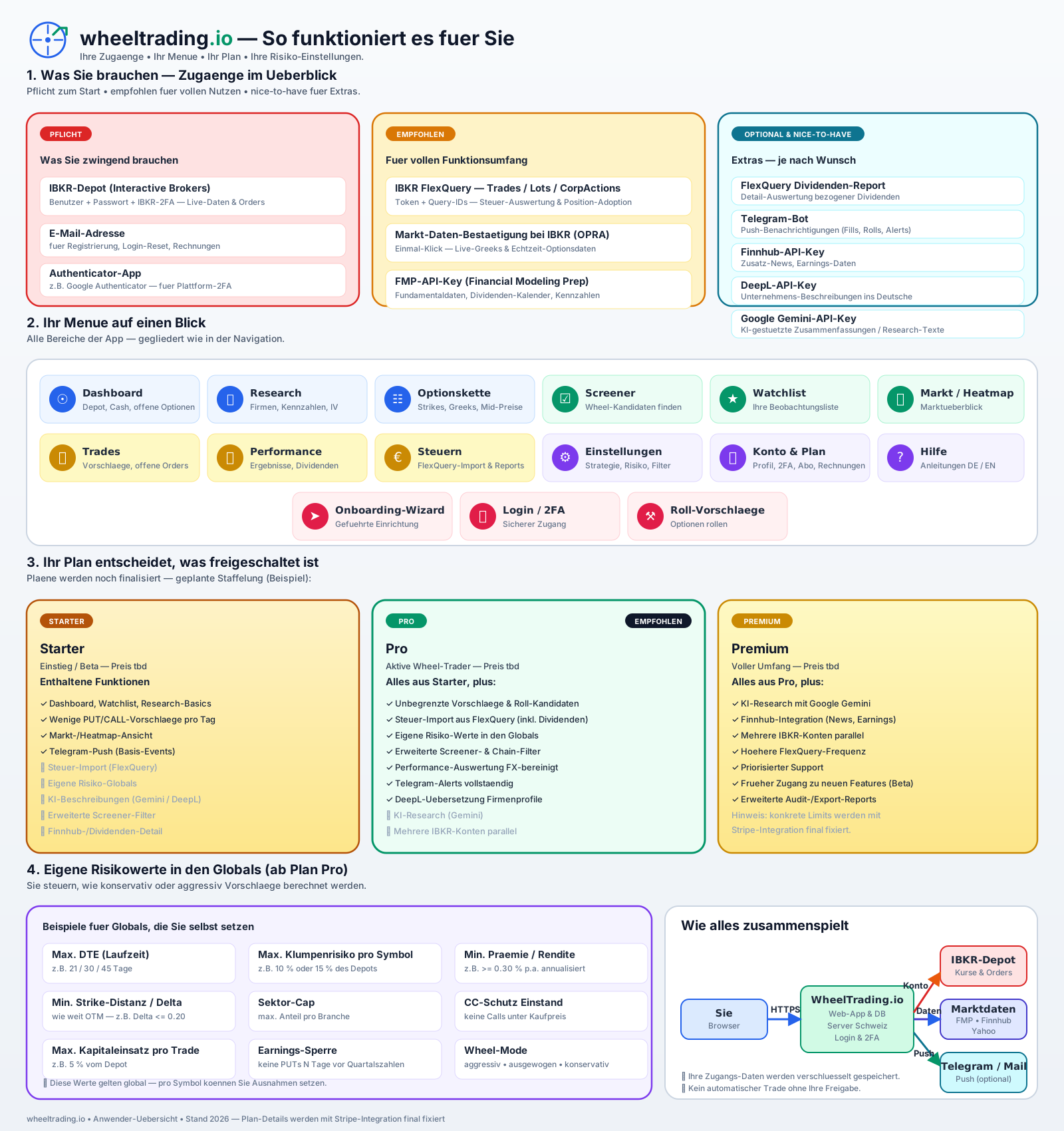
One large diagram summarises the whole platform at a glance: required access, optional add-ons, the full menu, planned plans and the most important risk knobs.
Download the image: PNG (1600 px) · PNG (3200 px, print) · SVG (vector)
What the diagram shows
- What you need — access at a glance. Three columns:
Required (IBKR account, e-mail, authenticator app), Recommended (IBKR FlexQuery, IBKR market-data attestation, FMP API key) and Optional (FlexQuery dividend report, Telegram, Finnhub, DeepL, Google Gemini).
- Your menu at a glance. All areas of the app: dashboard,
research, option chain, screener, watchlist, market/heatmap, calendar, hot news, FYI bell, trades / my drafts, performance, taxes, settings, account & plan, help, onboarding wizard, login/2FA and roll manager.
- Your plan decides what is unlocked. Three example tiers, each
with included and locked features.
- Your own risk values in the globals. Typical knobs
(min/max DTE, strike distance/delta, capital per trade, symbol concentration, sector cap, earnings / ex-div lockout, min. premium, CC cost-basis protection, wheel mode, order lifetime GTC/GTD, naked-call opt-in and auto-logout window).
- How it all fits together. Data flow between your browser,
WheelTrading.io, IBKR and external data providers.
What is new (July 2026)
Since the diagram was last redrawn we have shipped several building blocks that are not yet labelled in the picture but are live in the app:
- Depot-value-over-time tab (Performance): daily NetLiq snapshot
with cash/stocks/options split and cashflow markers - details.
- Sector concentration & cluster-risk chip in the cockpit and on
the company detail page; warn/hard thresholds are now per-account - details.
- Assignment preview in the send dialog: how sector and symbol
concentration change if the order gets assigned - details.
- Order lifetime GTC vs. GTD as an opt-in in the send dialog
(details) and smart acknowledgment on warnings (an explicit review checkbox instead of a silent OK).
- Naked-call toggle: uncovered calls are blocked by default and
require a double confirmation - details.
- Stock chart intraday mode (1D/5D) and cost-basis overlay on the
company page - details.
- On-demand hydration: any valid US ticker can be opened via
search; WheelTrading fetches missing metrics on the fly.
- IBKR maintenance-window banner in Europe/Berlin (24h format) -
- FYI bell in the header: view and acknowledge IBKR messages even
when the gateway is offline - details.
- Flex sync with retry & circuit breaker: the nightly import
retries failures automatically and pauses on sustained outages - details.
- Editable trading defaults directly in the filter panel
(min_dte, max_dte, delta range, premium target) - details.
- Security hardening (summer 2026): password policy 12+ chars,
account lockout after 5 failed logins, TOTP secrets encrypted, logout invalidates JWT, password reset requires an extra TOTP code for 2FA users.
Note: The plan names and feature mapping shown in the diagram are a planned example layout. The final plans, prices and limits will be defined together with the Stripe integration. For the currently documented plans, see Plans & features.